
BUYER GUIDE · 8 MIN READ
How to Choose Magnifiers for Senior-Living Product Ranges
A useful range starts with the task: quick spot reading, longer hands-free work or adjustable electronic viewing. This guide turns those needs into a practical product-selection process.
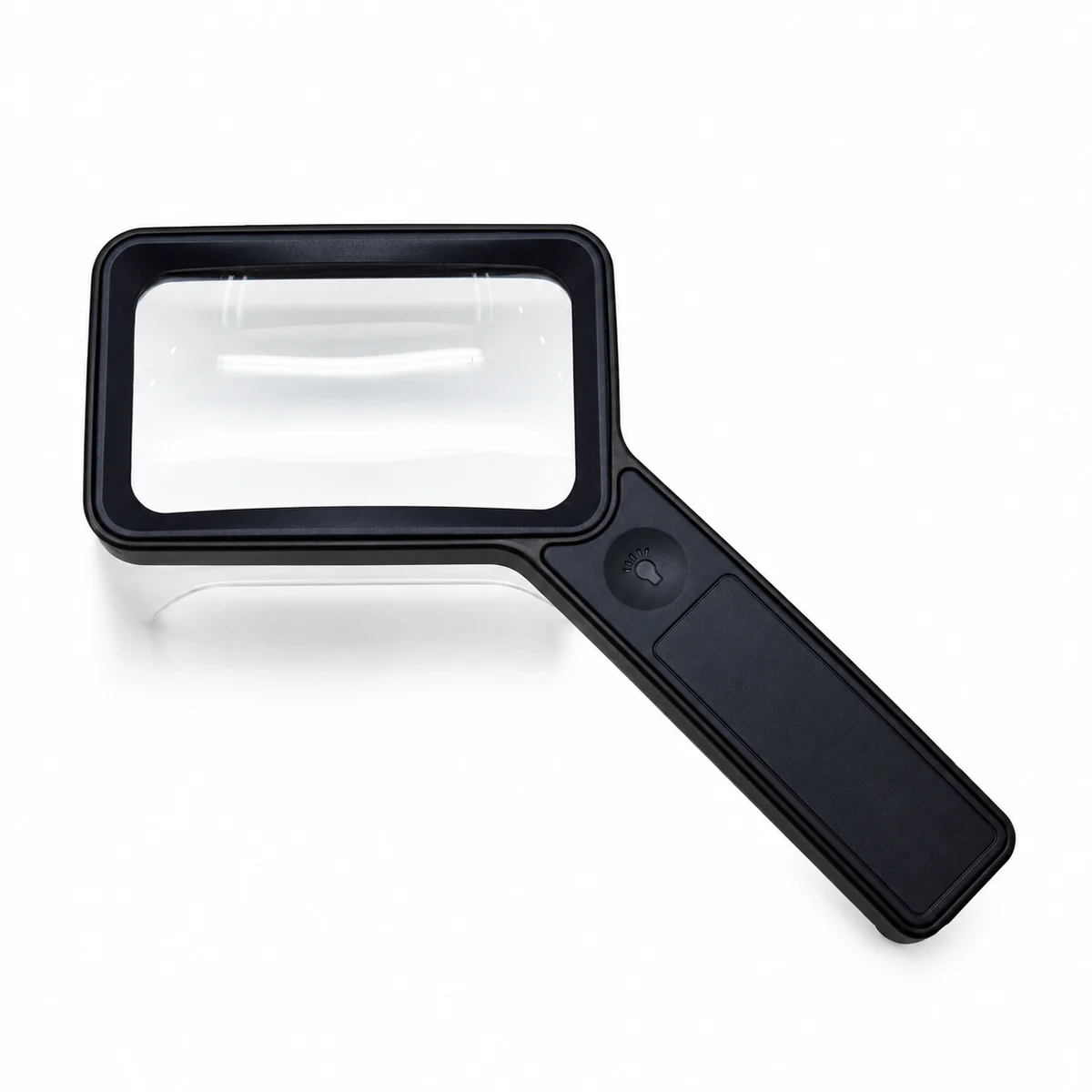
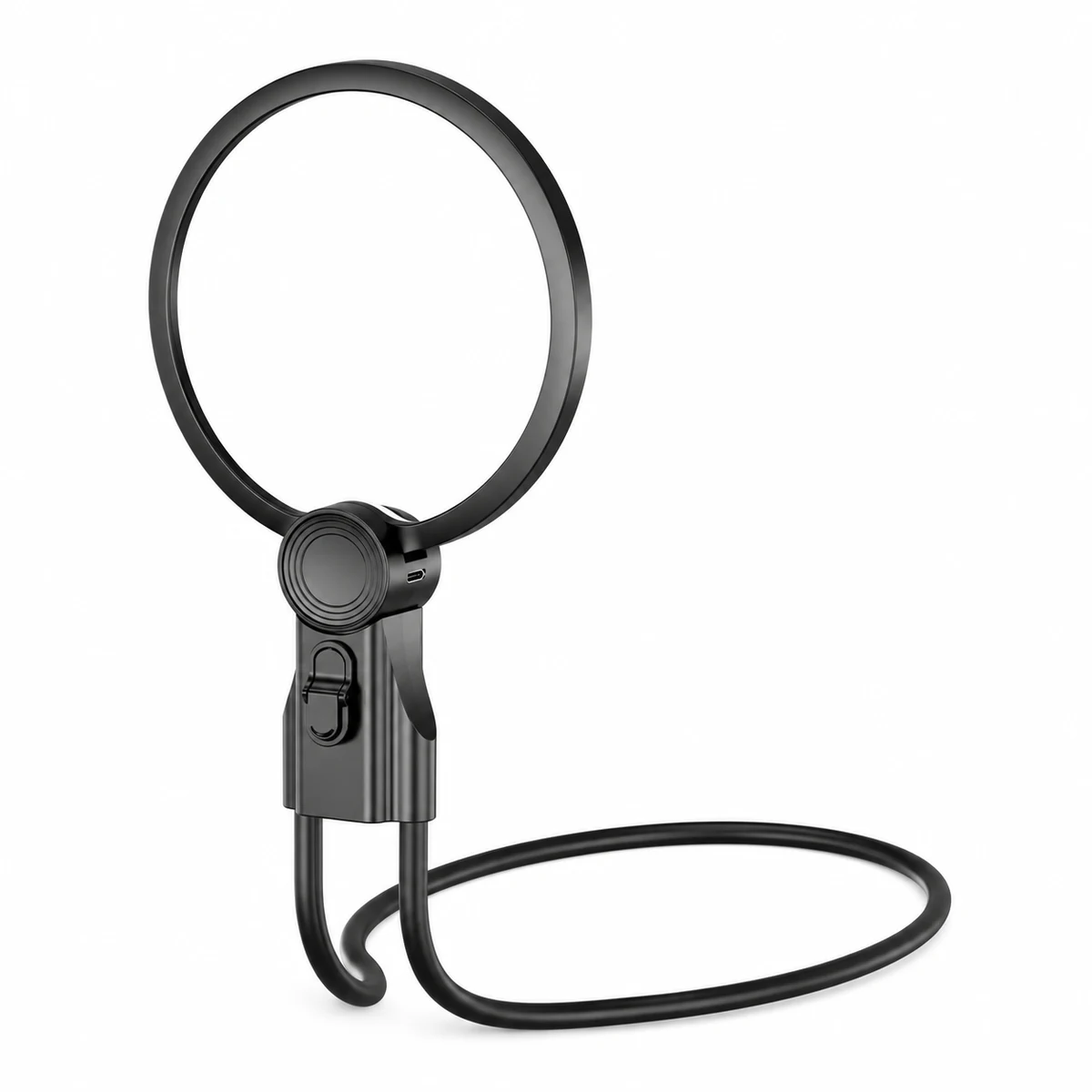
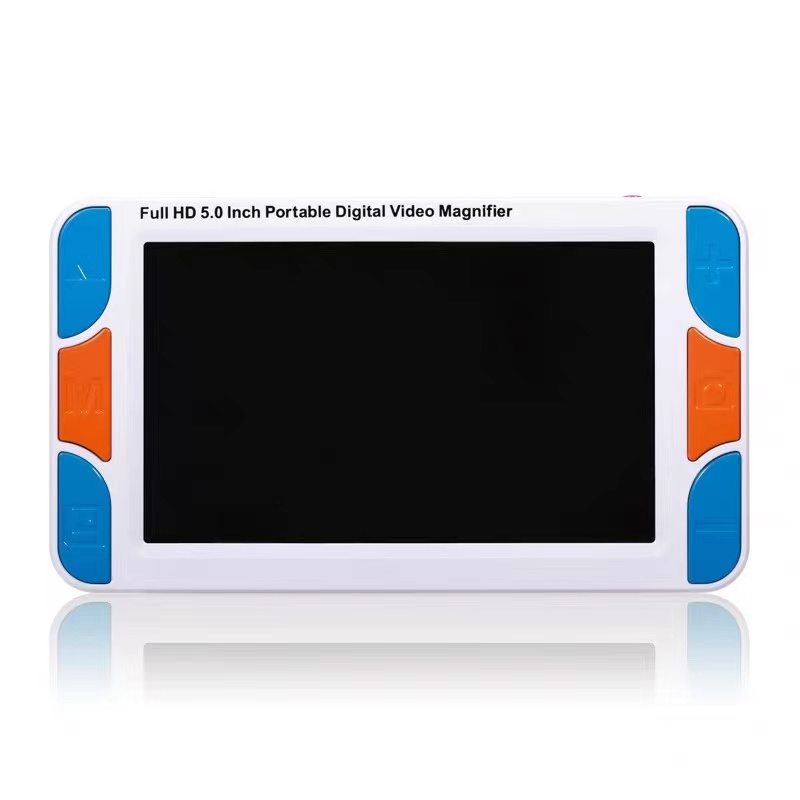
SHORT ANSWER
Choose the format before the power.
Use a handheld model for portable spot reading, a stand or hands-free model for longer close work, and a video magnifier when adjustable zoom and contrast are the priority. Then confirm lens or screen size, lighting, controls, power and handling with a real sample.
1. Start with the task, not a single customer label
“For seniors” is too broad to choose a magnifier well. Two people of the same age may need different products because they read different materials, use the device for different lengths of time or have different grip and control preferences.
Define the task in plain language before comparing specifications:
- Spot reading: medicine labels, menus, receipts and packaging.
- Everyday print: letters, newspapers, instructions and maps.
- Longer close work: books, crafts, sewing, beauty work and repairs.
- Adjustable viewing: situations where zoom, contrast or image freeze may help.
The American Foundation for the Blind describes low-vision devices as task-specific, and the National Eye Institute notes that magnifying lenses, brighter lighting and vision rehabilitation can support daily activities. Product selection should therefore begin with the activity rather than the highest number printed on a box.
2. Compare the three main formats
01
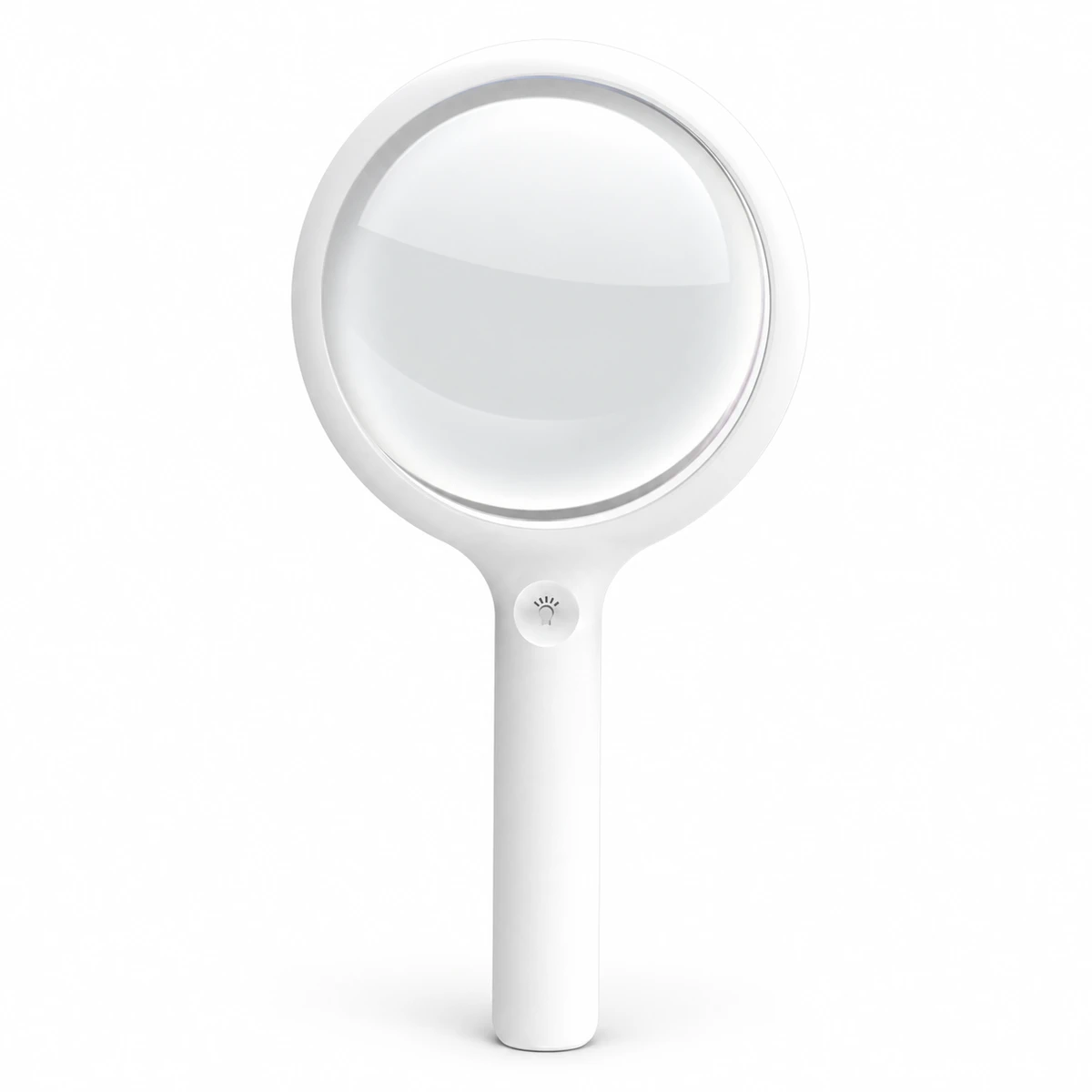
Handheld magnifiers
Portable and familiar. Best suited to quick reading and general print when the user can hold and position the lens comfortably.
See handheld models ↗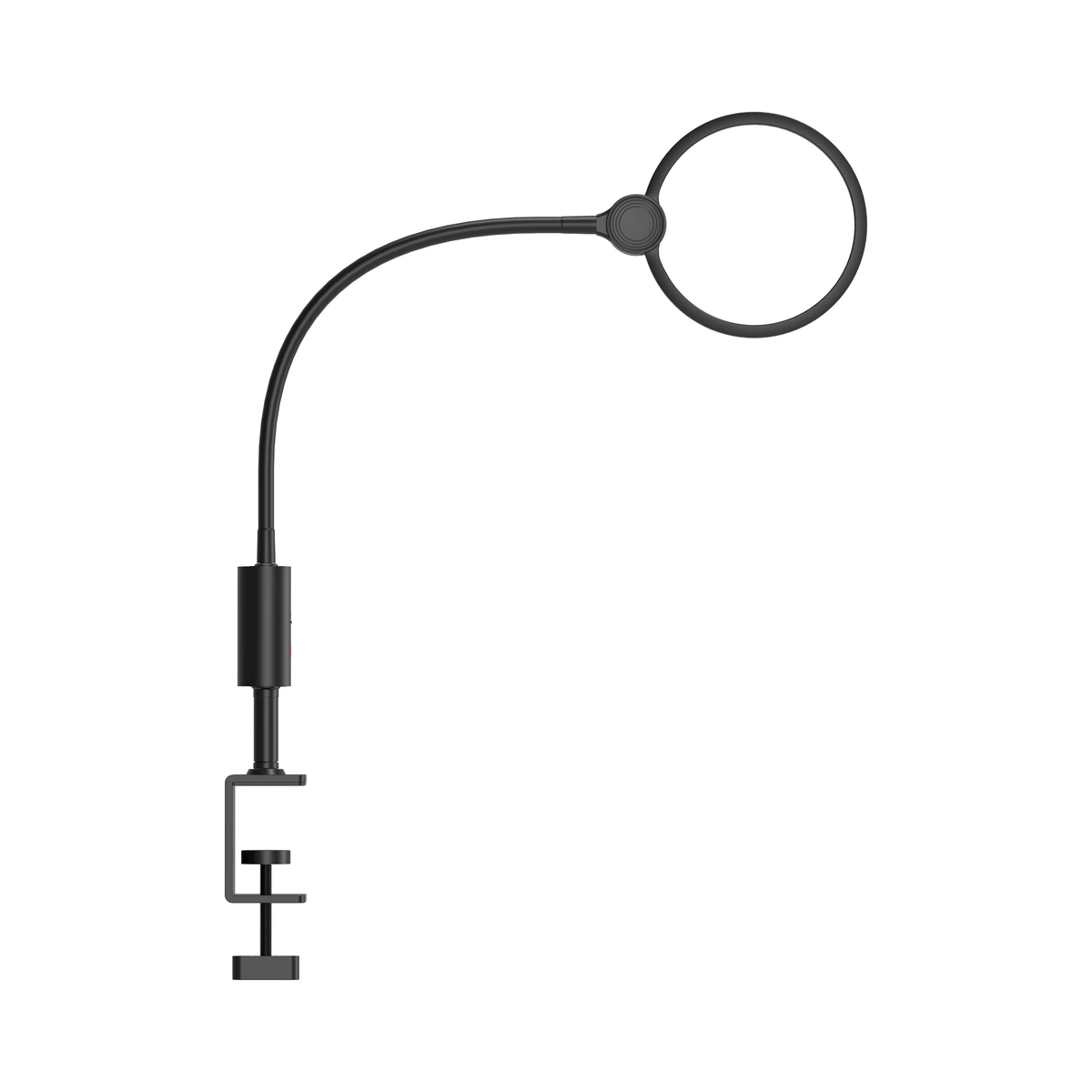
02
Hands-free & task magnifiers
Support longer sessions by keeping both hands available. Compare the stand, clamp, neck or tabletop position with the intended task.
See task models ↗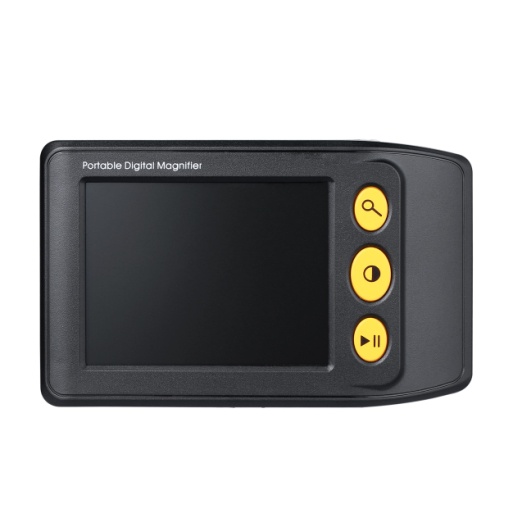
03
Portable video magnifiers
Offer adjustable zoom and display modes in a compact format. Useful when one fixed optical power is too limiting.
See video models ↗| Format | Good starting use | Check carefully |
|---|---|---|
| Handheld | Labels, menus, letters and portable use | Grip, lens area, working distance and light control |
| Hands-free / task | Books, hobbies, sewing and precision work | Stability, positioning range, table fit and viewing angle |
| Portable video | Variable print sizes and adjustable contrast | Screen size, control simplicity, zoom range and battery runtime |
3. Five checks before adding a model
- 01
Useful magnification
More power is not automatically better. Higher optical magnification commonly means a smaller area is visible at one time. The Macular Society recommends trying the lowest magnification that completes the task, because it can preserve a wider view.
- 02
Viewing area
Compare the physical lens or screen size with the material being read. A small spot lens may help with a number or label; a larger lens or screen is usually easier for following lines of text.
- 03
Lighting and glare
Built-in light can make print easier to see, but brightness, color temperature and reflections should be evaluated in the intended environment. Look for even illumination and simple controls rather than maximum brightness alone.
- 04
Handling and positioning
Check handle width, button size, weight, clamp range, stand stability and whether both hands need to remain free. A technically capable model can still be a poor fit if it is tiring or difficult to position.
- 05
Power and daily routine
For illuminated and electronic models, confirm charging connector, battery capacity, realistic runtime and whether the controls remain easy to understand after the product has been stored and used repeatedly.
4. Evaluate a sample with one repeatable checklist
A sample is more useful when every model is tested against the same materials and tasks.
For the ClarSee range, use the model comparison page first, then request the exact model sample you want to evaluate.
5. Common questions
Is the strongest magnification the best choice?
No. The useful level is the one that completes the task while preserving a workable viewing area and comfortable distance. Start with the lowest effective level, then test the real material.
When is a hands-free magnifier more suitable?
Consider one when the task is longer, requires both hands or benefits from a stable lens position—such as crafts, sewing, beauty work or repairs.
When should a buyer consider a video magnifier?
Consider a video format when adjustable zoom, image freeze, contrast modes or a screen-based view are more useful than one fixed optical lens.
Can a website determine the correct device for an individual?
No. A website can explain product formats and specifications, but individual vision needs may require an eye examination or low-vision assessment by a qualified professional.
A note on individual vision needs
Magnifiers and reading aids can support daily tasks, but they do not diagnose or treat eye conditions. Sudden or changing vision should be discussed with a qualified eye-care professional. For an individual user with low vision, professional assessment and hands-on testing are preferable to choosing from a specification alone.
Independent resources
These external resources informed the general selection principles in this guide: