
COMPARISON GUIDE · 7 MIN READ
Handheld vs Hands-Free vs Video Magnifiers: A Practical Comparison
Each format solves a different problem. Compare what the user must hold, how the viewing area stays stable, which controls are involved and what should be tested before a model enters the range.
QUICK COMPARISON
There is no single best format.
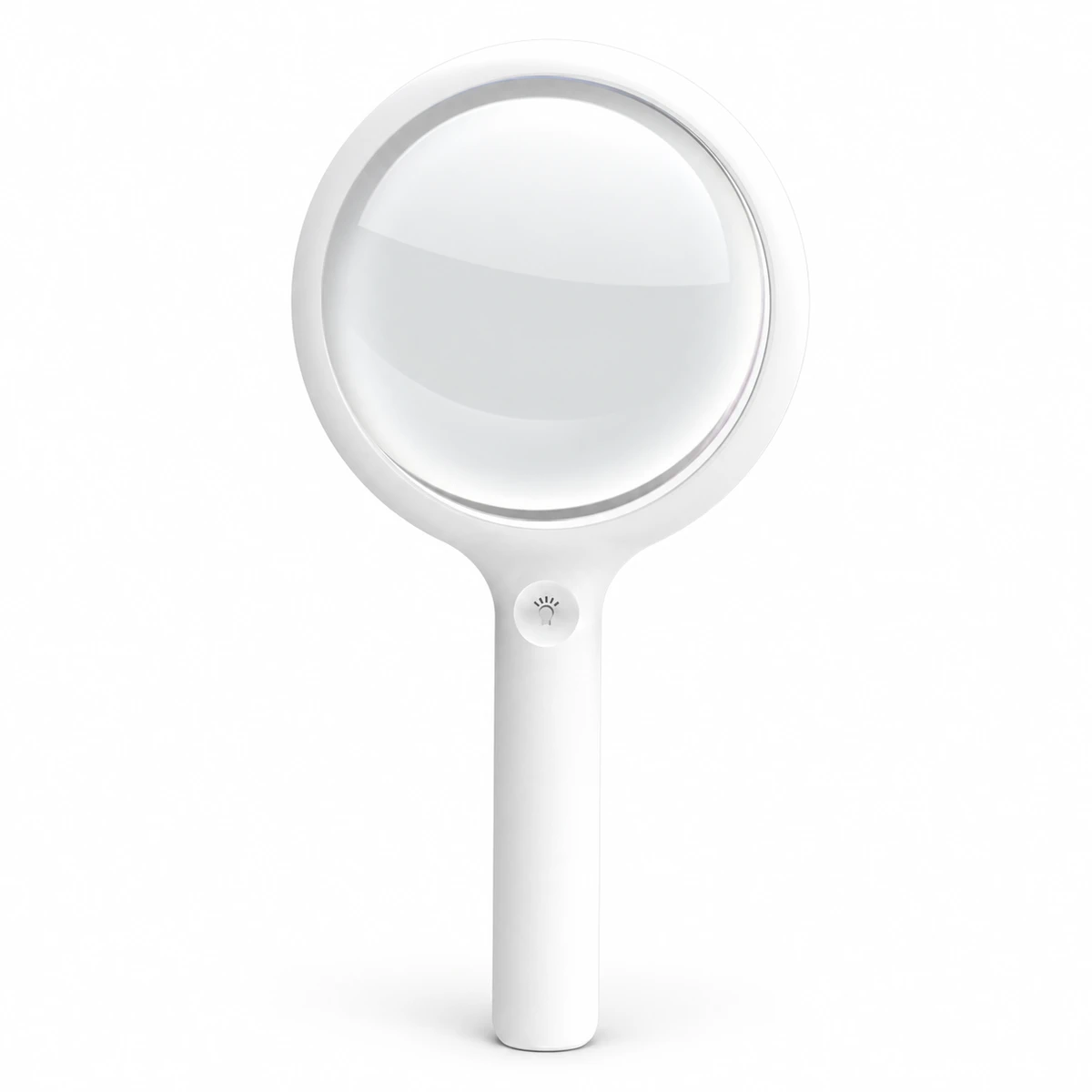
Handheld magnifiers prioritize portability and quick access. Hands-free models prioritize stable positioning and longer two-handed tasks. Portable video magnifiers prioritize adjustable zoom, contrast and screen-based viewing. The right range may include more than one format because the tasks are different.
1. The differences that matter
| Decision point | Handheld optical | Hands-free / task | Portable video |
|---|---|---|---|
| Primary strength | Fast, familiar and portable | Stable viewing with hands available | Variable zoom and display modes |
| Typical task length | Short to moderate | Moderate to long | Short to long, depending on screen |
| Setup | Hold and position over material | Place, clamp or wear before use | Power on, position camera and choose mode |
| Main controls | Light and sometimes brightness | Light, angle and support position | Zoom, contrast, freeze and brightness |
| Power dependency | Only for illumination | Usually for illumination | Required for viewing |
| Sample priority | Grip, focus distance and lens area | Stability, fit and working clearance | Button clarity, screen, camera and runtime |
The comparison above describes format-level differences. Exact magnification, lens size, display, lighting and power vary by model and should always be checked on the product page and sample.
2. Handheld magnifiers: portable and direct
A handheld optical magnifier places a lens between the eye and the material. It is usually the quickest format to understand and carry, which makes it a natural starting point for labels, menus, letters, maps and general spot reading.
Where it is strong
- Minimal setup and familiar operation
- Easy to move between rooms or carry outside
- Large-lens models can cover more print at moderate power
- Rechargeable illumination can reduce dependence on room light
What to test
- Whether the grip is comfortable and balanced
- The distance needed to bring print into focus
- How much text remains visible at one time
- Reflections, edge clarity and light control
AFB notes that holding a lens at the required focus distance can become difficult or tiring for some users. That is the point at which a stand or hands-free format deserves comparison.
CS-H01 adds a tabletop stand to a handheld format, while CS-H02 emphasizes a larger 110 mm main lens.
3. Hands-free magnifiers: stable for longer tasks
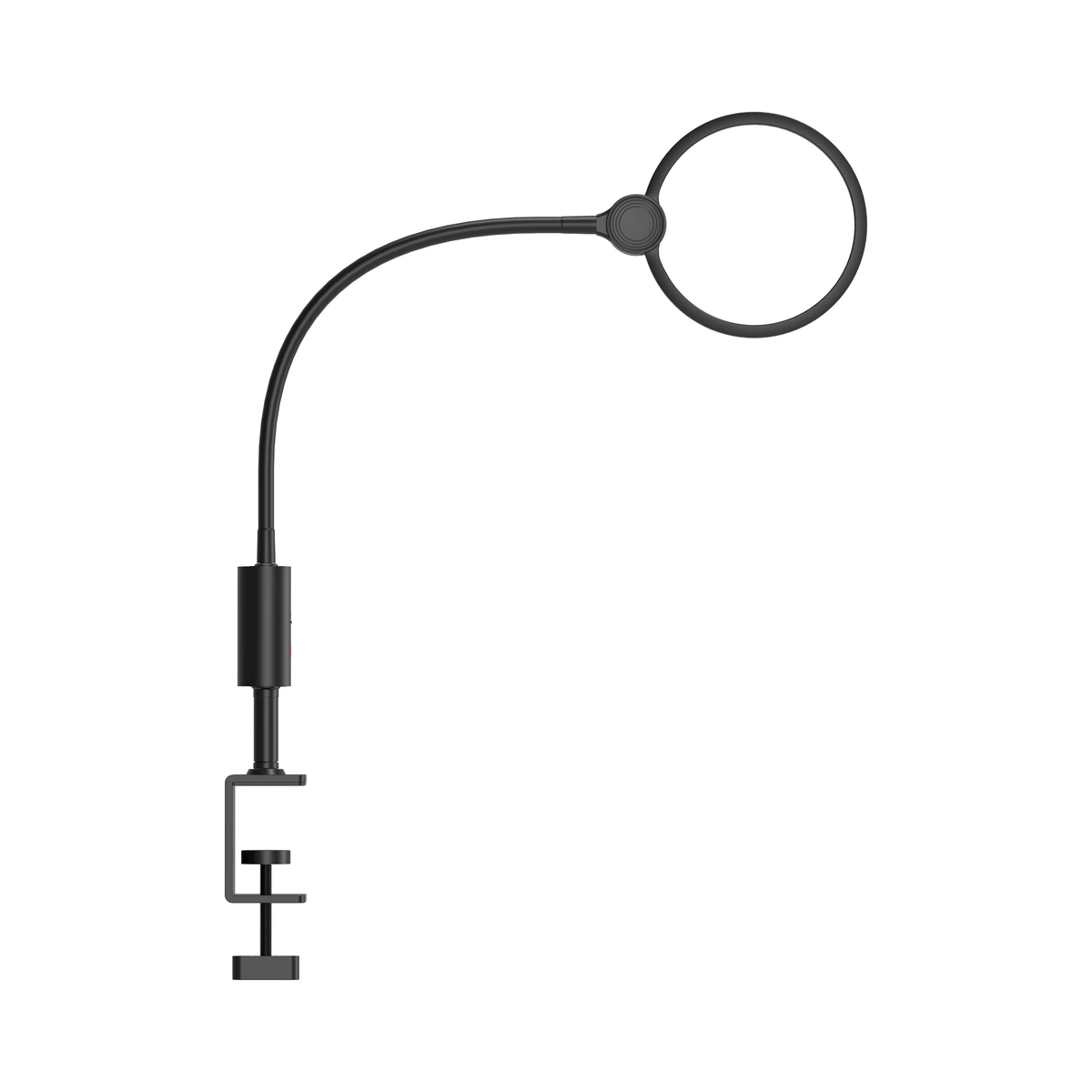
A hands-free or task magnifier holds the lens in position through a stand, clamp, neck support or tabletop structure. The main advantage is not simply power: it is that the user does not need to maintain the focal position by hand.
Where it is strong
- Both hands remain available for crafts or repairs
- Stable lens-to-material distance
- Large lens formats can support longer close work
- Positionable lighting can follow the task area
What to test
- Stand or clamp stability on the intended surface
- Clearance for hands and tools beneath the lens
- Arm reach, viewing angle and adjustment resistance
- Whether the product stores easily after use
RNIB describes stand magnifiers as helpful when maintaining the correct distance is difficult, while the Macular Society notes that a fixed stand can be useful for people with unsteady hands.
CS-T01 supports neck, handheld and tabletop use. CS-T02 uses a desk clamp and flexible arm for a fixed work area.
4. Portable video magnifiers: adjustable viewing
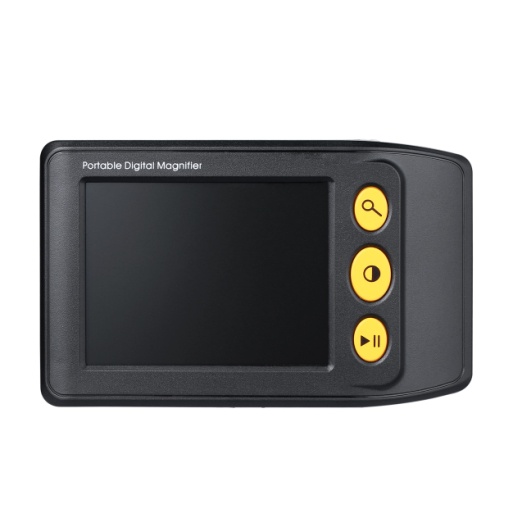
A portable video magnifier uses a camera and screen instead of looking directly through one optical lens. Zoom, high-contrast modes and image freeze make the display adaptable across different print sizes and viewing preferences.
Where it is strong
- Adjustable magnification rather than one fixed power
- Positive, negative and other contrast modes
- Image freeze for labels or details
- A screen separates viewing from the optical working distance
What to test
- Button size, contrast and operating sequence
- Image stability while moving across a line
- Minimum and maximum useful zoom on the screen
- Charging, runtime and behavior at low battery
AFB and RNIB describe video magnifiers as camera-and-screen devices with variable zoom and contrast options. These features add flexibility, but they also make control simplicity and battery performance essential sample checks.
CS-D01 is the compact entry format. CS-D02 adds a larger display, wider zoom range and more display modes.
5. Choose by scenario
Quick labels and menus
Start with a lightweight handheld model. Prioritize grip, illumination and the clear lens area.
Books and longer reading
Compare a large-lens handheld with a supported format. Stability may matter more than compact size.
Sewing, crafts or repairs
Start with a hands-free model. Confirm working clearance, angle and stand or clamp security.
Changing print sizes
Start with portable video. Test usable zoom steps, contrast modes and movement across text.
One model for several tasks
Consider a multi-position optical model or a video format, but test every intended position before deciding.
A balanced retail range
Use one clear entry model from each format before adding small variations of the same design.
6. Run the same ten-minute sample test
Use identical material and lighting for every sample so the format differences remain visible.
- 01
Two print sizes
Read a short label and a full paragraph. Note the visible area and how often the device must move.
- 02
Three minutes of use
Hold or position the product continuously. Check fatigue, stability and whether both hands are needed.
- 03
Bright and dim light
Test built-in lighting, reflections, contrast and whether the controls remain easy to find.
- 04
Pack away and restart
Store the device, then use it again without instructions. This reveals setup and control complexity.
Record the result beside the exact model number. The ClarSee comparison page provides a specification starting point, while the earlier magnifier selection guide explains the broader buying process.
7. Common questions
Is a video magnifier always more capable?
It offers more adjustable viewing features, but it also depends on power and adds controls. For simple spot reading, an optical handheld model may be faster and easier.
Does hands-free always mean tabletop?
No. A lens may use a tabletop stand, desk clamp, neck support or another fixed position. The important test is whether the support remains stable and leaves enough room for the task.
Can one magnifier replace every format?
Usually not. Different tasks may justify different products. Multi-position models can cover more than one use, but every position should be evaluated rather than assumed.
Which format should be sampled first?
Start with the format that matches the most important task. If the task is unclear, sample one straightforward model from each category and compare them using the same checklist.
Individual needs still require individual assessment
This comparison explains product formats and buying checks; it is not a medical recommendation. Magnifiers do not diagnose or treat eye conditions. A qualified eye-care or low-vision professional should assess individual vision needs, especially where vision has changed.